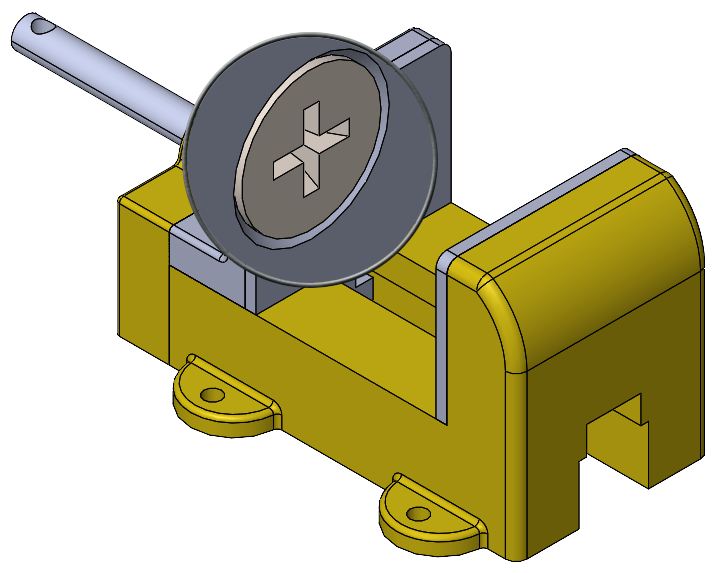
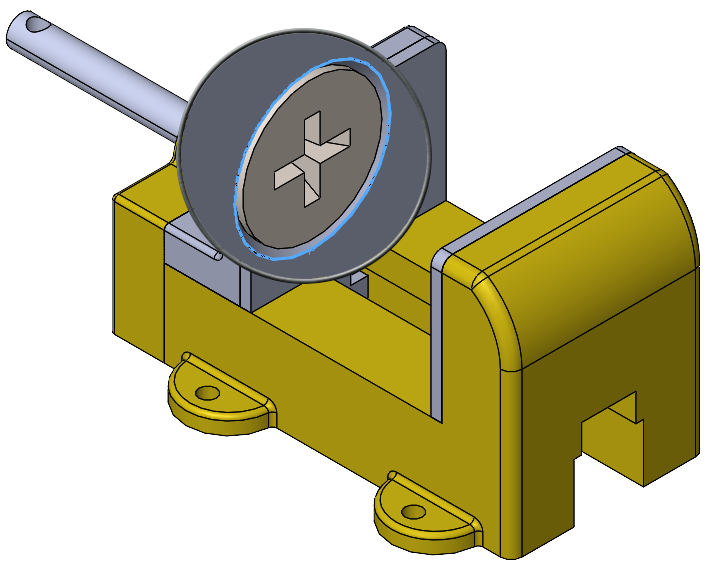
The Magnifying Glass tool allows you to inspect and make selections in your model without changing the overall view. This is especially helpful for selecting entities when performing operations like creating mates.
How to Use the Magnifying Glass to Select Entities in an Assembly:
- Activate the Magnifying Glass:
- Hover over the area you want to examine and press G on your keyboard.
- Alternatively, right-click an empty space in the graphics area and select Magnified Selection from the context toolbar.
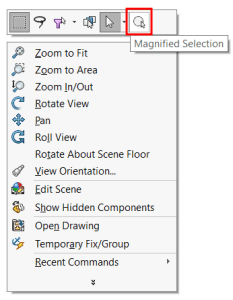
- Using the Magnifying Glass:
- Move your pointer around the model. The magnifying glass moves, maintaining the zoom level while the model stays stationary.
- For better control, hold Ctrl and middle-drag to pan the magnifying glass.
- Use the mouse wheel to zoom in within the magnifying glass view, without affecting the overall model.

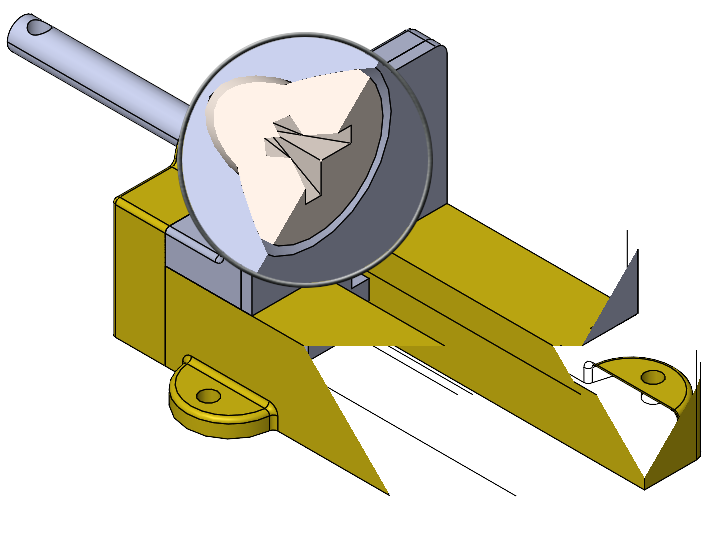
- Press Alt and scroll the mouse wheel to display a section view parallel to the screen.
- Selecting Entities:
- Hold Ctrl while selecting entities to avoid closing the magnifying glass.
- If you select an entity without holding Ctrl, the magnifying glass will close.
- Finish Your Action:
- Complete your task, such as creating a mate.
- To close the magnifying glass, click anywhere in the graphics area or press G or Esc.