Pattern Instances: The pattern instances will follow the seed entity.
Example:
Points at the top area have a coincident relation.
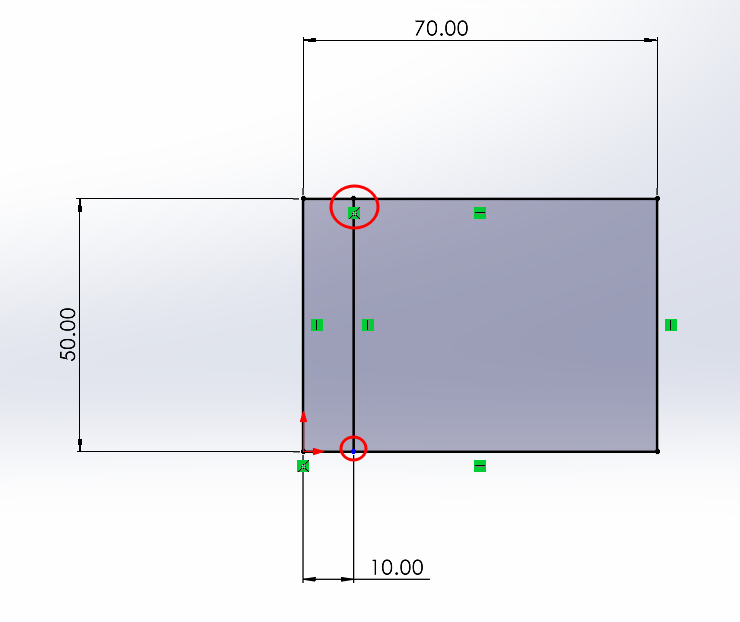
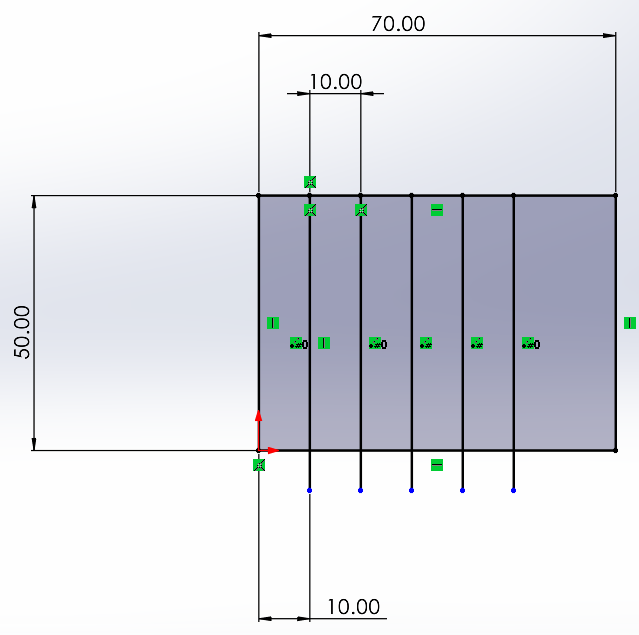
When patterned, the new points will be fixed along the top horizontal line.
Points at the bottom do not have any relation. As a result, the copied points can be moved freely, without any constraints.
Editing a Linear Pattern: To edit an existing linear pattern, you need to select one of the entities in the pattern. This will enable the command, which would otherwise be greyed out.
