Rotating Components in SOLIDWORKS at the Assembly Level
There are multiple ways to rotate components inside an assembly. Here are three common methods:
1. Using the Rotate Context Toolbar

-
If Show Rotate Context Toolbar is enabled, a toolbar will appear when using the Insert Components PropertyManager.
-
The component will rotate following the direction of the reference triad.
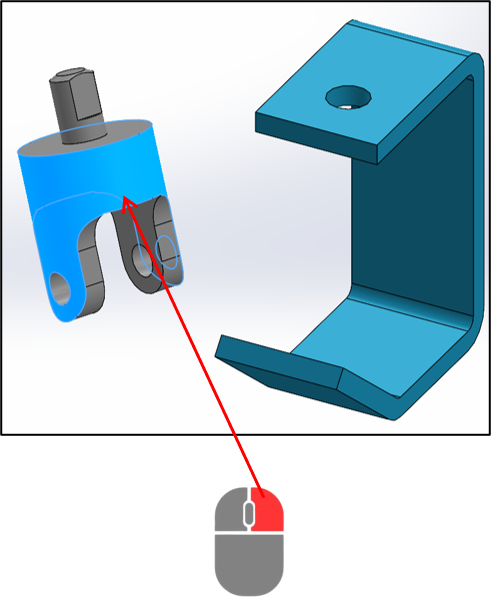
2. Right-Click and Use the Rotate Option
-
Hold the right mouse button and move the cursor to rotate the model.
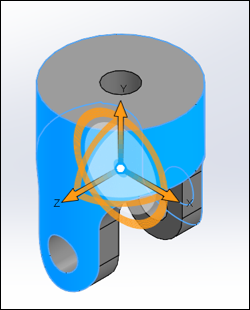
3. Move with Triad
-
Right-click on the component.
-
Select Move with Triad.
-
The Triad Manipulator appears with three rotation rings.
-
Click and drag a ring to rotate around a specific axis.